
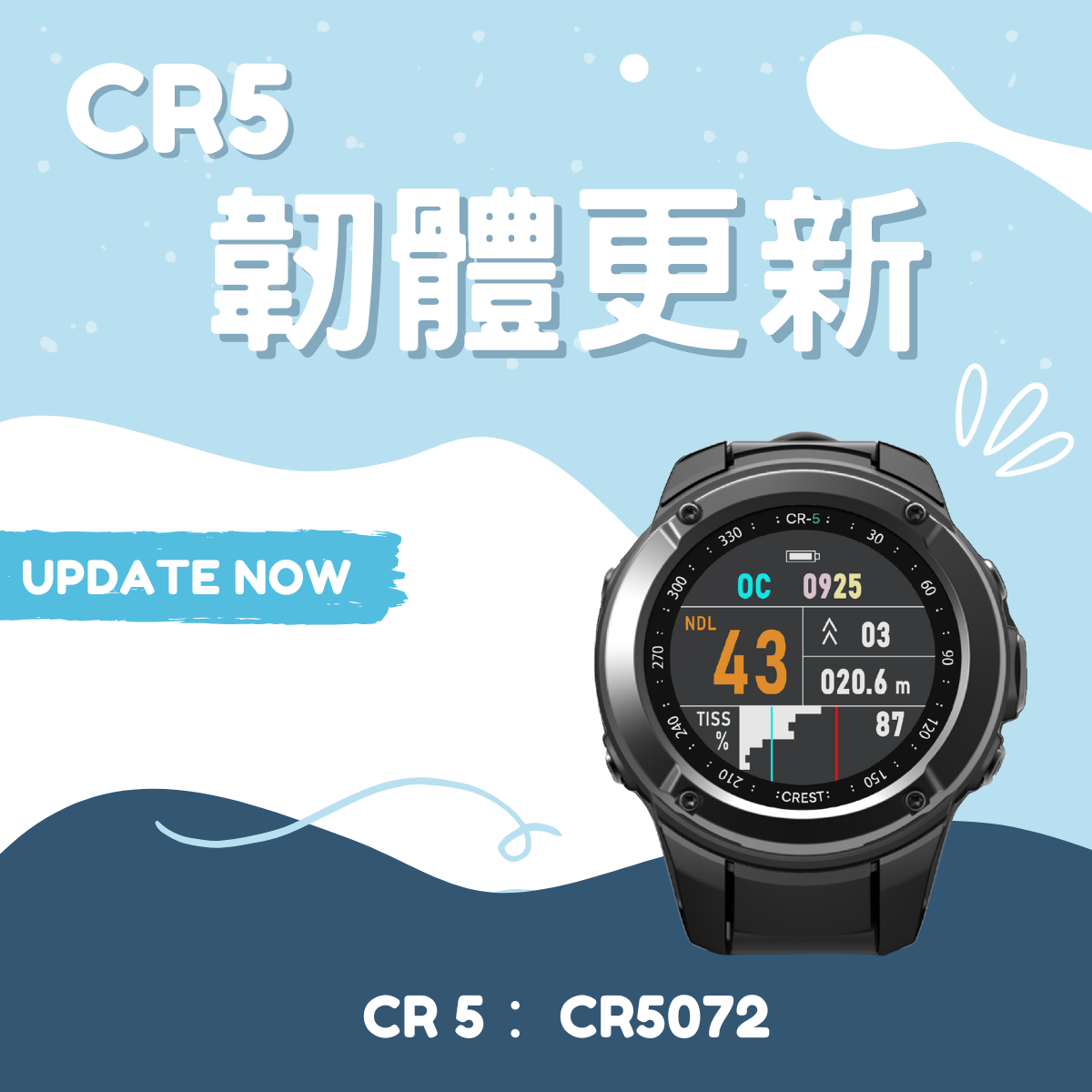
The latest firmware version CR5072 for CREST CR-5 Dive Computer is now officially released, bringing improved system stability and smoother performance.
| 🔧 Update Highlights
Fixes an issue where some users experienced a black screen after using “Rotate Wrist to Wake Up” function under Watch mode. Currently firmware update resolves this issue and enhances overall stability and responsiveness of CR-5 Dive Computer.
| 📲 How to Update Firmware
Please update firmware by downloading our App service “Dive Story Pro” to ensure optimal performance.
| ℹ️ How to Check Your Firmware Version of CR-5
Watch Mode > Press Mode Button to enter > Menu > Settings > About > VER
⚠️ Important Notice
If your current firmware of CR-5 Dive Computer is version CR5060 or CR5062, a black screen lasting approximately 3 to 5 minutes may occur during update process. This is normal. Please wait patiently and do not turn off CR-5 Dive Computer. It will automatically reboot into Watch mode once the update is complete.


Leave a comment
This site is protected by hCaptcha and the hCaptcha Privacy Policy and Terms of Service apply.